

CenterOS
CenterOS: the operating system for robotics AI development. CLI tools, MCP server, and 39 platform actions — all from your editor. pip install centeros-cli.
On this page
- Three Ways to Build
- CenterOS CLI
- CenterOS MCP
- REST API
- Quick Start
- MCP Capabilities
- Example Interactions
- Supported Hardware
- Links & Resources
Related Pages
Also see
Developer Tools CLI + MCP + API
The operating system for robotics AI development. CLI tools, MCP server, and 39 platform actions -- all from your editor.
8 min read Updated Apr 2026 39 actions 17 devices
CenterOS unifies every way you interact with the RoboticsCenter platform: datasets, training, model deployment, fleet management, simulation, and processing. One authentication token works across CLI, MCP, and REST API.
Three Ways to Build
CenterOS CLI
pip install centeros-cli
Login, manage datasets, launch training, deploy models -- all from your terminal. Rich tables, formatted output, and Python SDK access.
$ centeros login $ centeros datasets list $ centeros training create
CenterOS MCP
pip install centeros-mcp
For Claude Code, Cursor, and Windsurf. 43 tools, 55 resources, and 8 code gen prompts. Your AI auto-references wiki docs when writing robot code.
- 43 platform tools
- 55 live wiki resources
- 8 code generation prompts
REST API
39 actions
Direct HTTP access to every platform action. Discover with GET /api/actions, execute with POST /api/actions/{name}. PAT authentication with frl_ tokens.
$ curl /api/actions \ -H "Authorization: Bearer frl_..."
Quick Start
Get up and running in three steps.
- Install the CLI and register
shell Copy
$ pip install centeros-cli $ centeros register # or: centeros login
- Install the MCP server
shell Copy
$ pip install centeros-mcp
- Add to your editor's MCP config (e.g.
~/.claude/.mcp.json)
json Copy
{ "mcpServers": { "centeros": { "command": "centeros-mcp", "args": ["--token", "frl_YOUR_TOKEN"], "env": { "CENTEROS_API_URL": "https://platform.roboticscenter.ai" } } } }
That's it. Your AI editor now has access to 43 platform tools, 55 live wiki resources, and 8 code generation prompts. Ask it to manage datasets, launch training, or generate robot code -- it knows your hardware.
What CenterOS MCP Gives Your AI
When you connect the MCP server, your AI assistant gains four layers of robotics intelligence:
| Layer | Count | What |
|---|---|---|
| Platform Tools | 39 | Datasets, training, models, fleet, simulation, processing |
| Wiki Knowledge | 33 | Live docs from roboticscenter.ai/wiki -- hardware guides, SDK reference, troubleshooting |
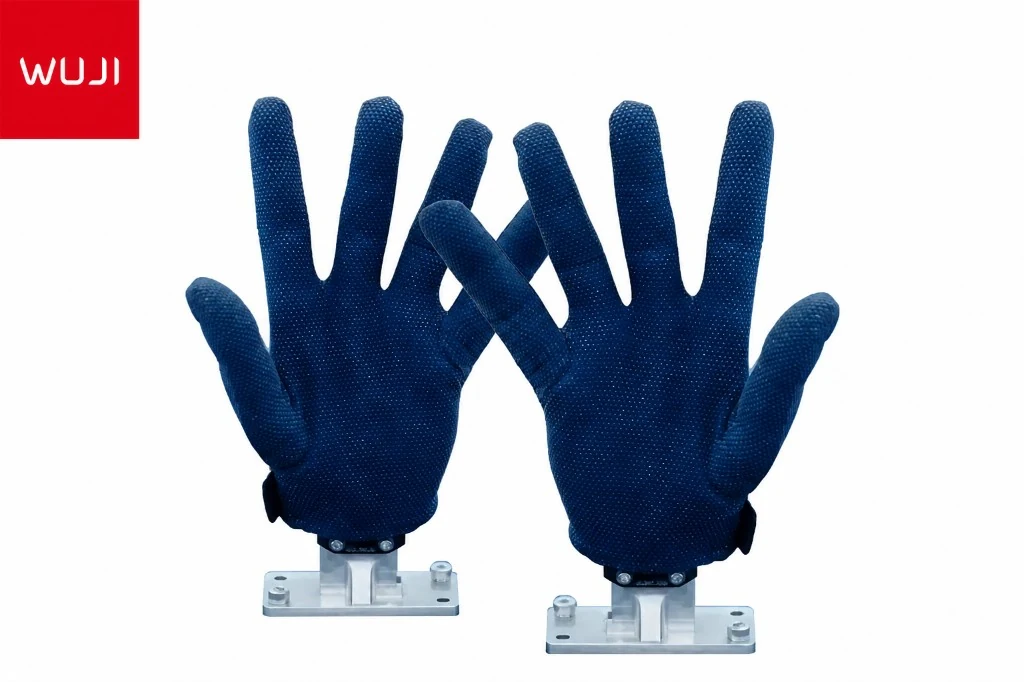
| Hardware Specs | 17 | Wuji Hand, OpenArm, BrainCo Revo, VLAI L1, Booster K1, Damiao AGV, and more |
| Code Gen Prompts | 8 | new_teleop_agent, hardware_setup, train_and_deploy, data_pipeline, and more |
The AI automatically searches wiki documentation and hardware specs when generating code. No manual lookup needed -- ask in natural language and it finds the right reference.
Example Interactions
Here is what working with CenterOS MCP looks like in practice:
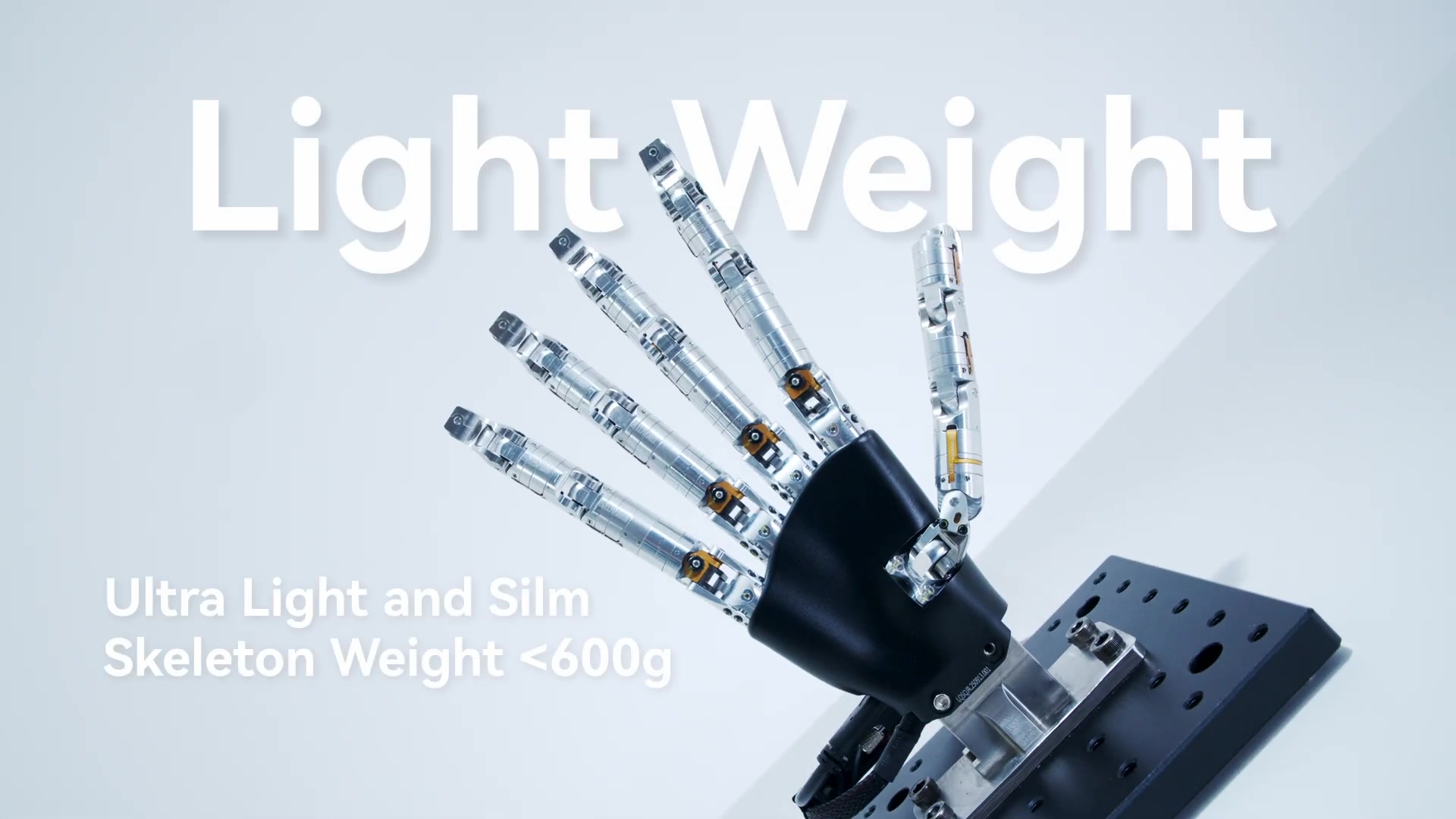
帮我写一个 Wuji Hand 的抓取程序
Reads Wuji Hand wiki docs (joint limits, serial protocol, grip patterns), then generates a complete Python grasping program with proper CAN bus initialization, finger trajectory planning, and force feedback monitoring.
Upload my latest dataset and start training with ACT
Calls datasets.upload to get a signed URL, uploads your data, then calls training.create with ACT config, monitors job status, and reports back when training completes.
My OpenArm won't connect -- CAN bus timeout errors
Searches wiki for OpenArm troubleshooting, finds the CAN bus configuration guide, checks your bitrate settings, and walks you through ip link set can0 up type can bitrate 1000000 with LED status verification.
Supported Hardware
CenterOS MCP includes specs, setup guides, and troubleshooting for 17 devices across 5 categories:
Dexterous Hands
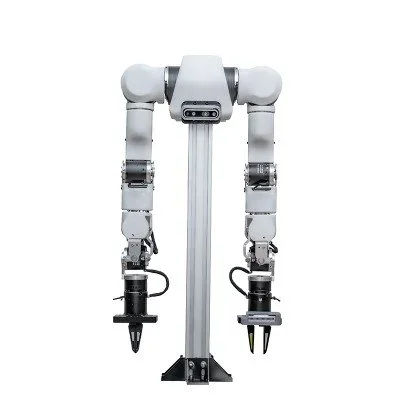
Wuji HandTeleoperation hand
LinkerBot O6Dexterous hand system
Orca Hand17-DOF open-source
BrainCo Revo IIEMG bionic hand
Robot Arms
OpenArm 18-DOF collaborative
SO-101Low-cost open-source
AgileX Piper6-DOF CAN bus
AgileX Nero7-DOF redundant
Bimanual Systems
TRLC-DK1Dual-arm dev kit
VLAI L1Dual-arm mobile
Humanoids & Mobile
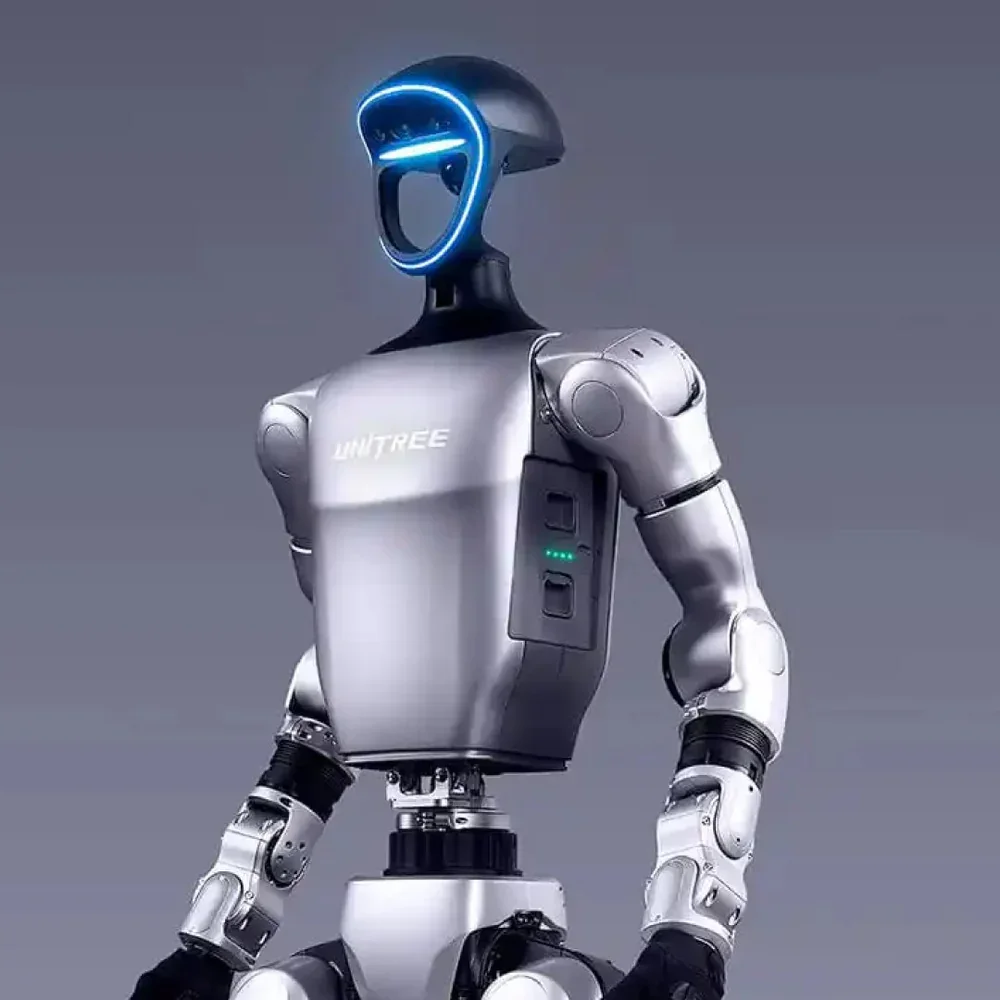
Booster K1Full-size humanoid
Unitree QminiBipedal robot
Damiao AGVOmni mobile base
AgileX Ranger4-mode mobile
AgileX Scout4WD differential
Sensors
Paxini PX-6AX GEN36-axis tactile
RCSV E-SkinTextile pressure sensor
Links & Resources
[
GitHub
github.com/JerryAlfred/fearless-platform
→](https://github.com/JerryAlfred/fearless-platform)[
Wiki
roboticscenter.ai/wiki
→](/wiki)[
Platform
platform.roboticscenter.ai
→](https://platform.roboticscenter.ai)[
CLI Docs
/wiki/cli-guide
→](/wiki/cli-guide)[
MCP Docs
/wiki/mcp-integration
→](/wiki/mcp-integration)[
API Docs
/wiki/api-reference
→](/wiki/api-reference)
Next steps
CLI Guide Full command reference for centeros-cli → MCP Integration Connect Claude, Cursor, or Windsurf → API Reference All 39 actions with curl examples → SDK Quickstart Connect physical robots with pip install roboticscenter →